 AI-generated illustration by cutdown.link
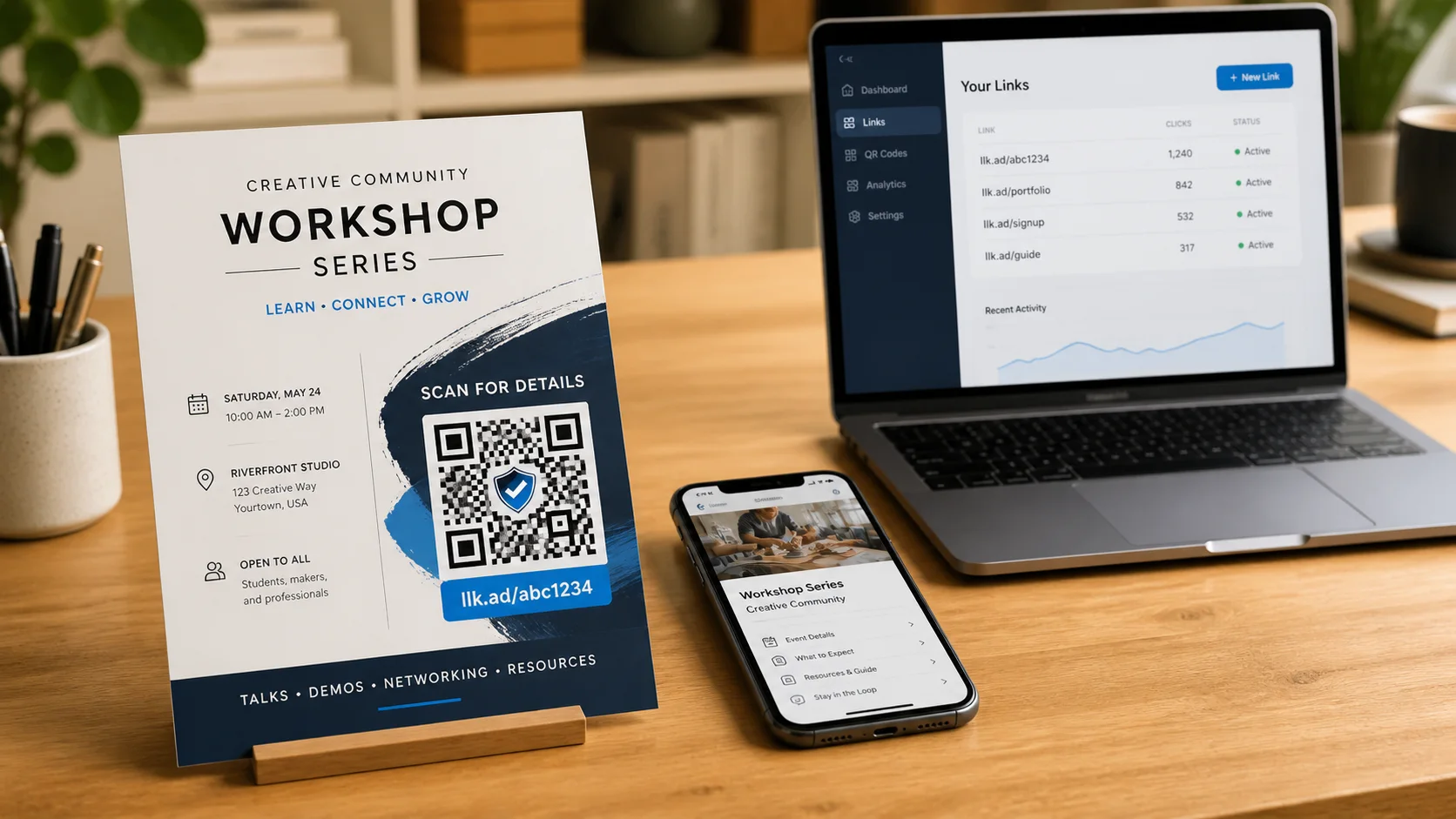
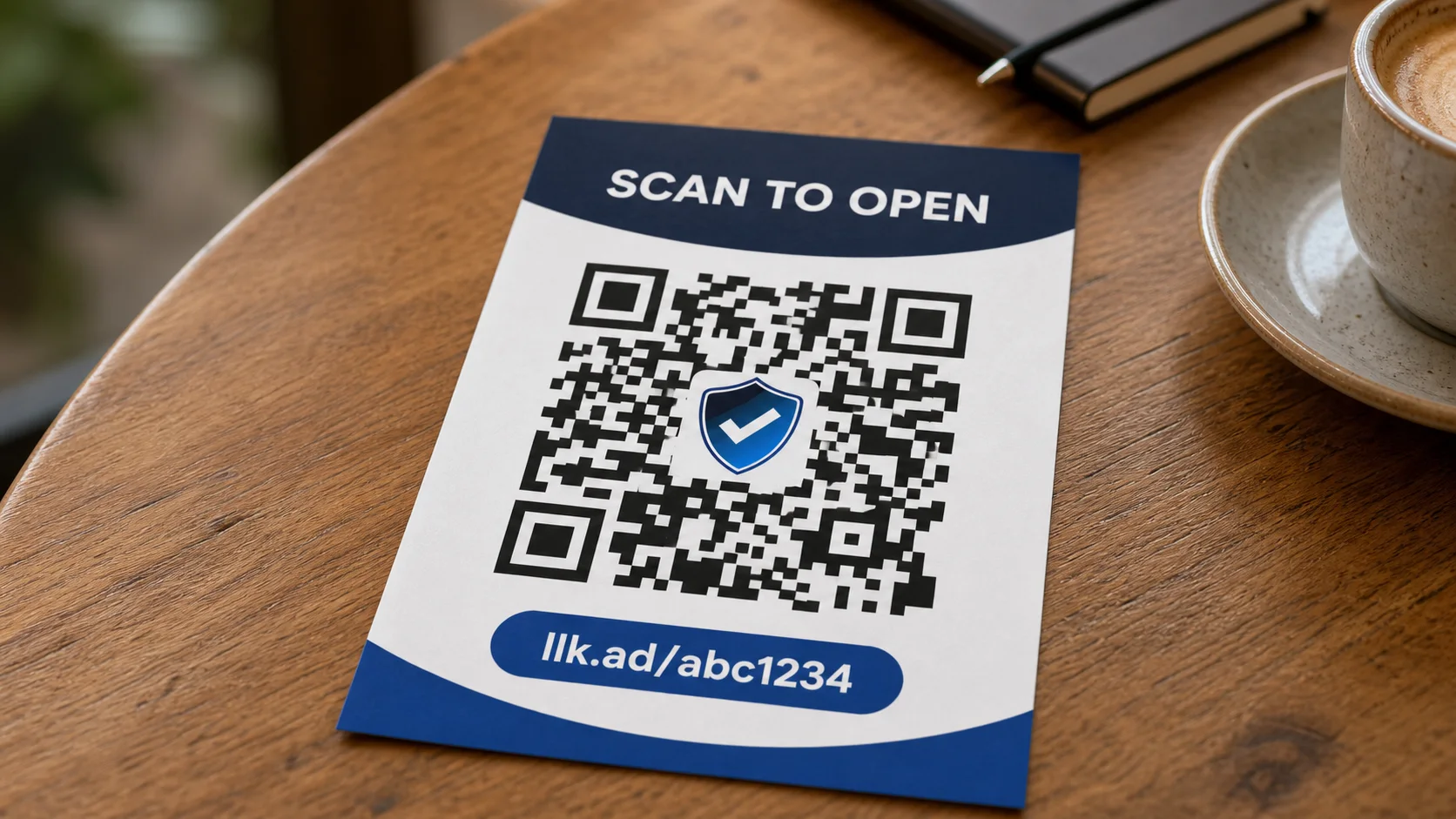
The simple idea: add campaign labels to a managed link so your analytics platform can identify where visitors came from. Your public llk.ad address and QR code remain short and unchanged.
When someone opens the short link, cutdown.link adds the saved UTM parameters to the destination. A resulting address might look like this:
https://example.com/menu?utm_source=poster&utm_medium=qr&utm_campaign=summer_menu
Add campaign parameters
- Sign in and create a managed link for your destination.
- Open the link from your dashboard.
- Expand Campaign parameters (UTM) in the link editor.
- Enter the values you need. The preview shows the resulting destination.
- Save the link, then use its llk.ad address or download its QR code.
UTM values cannot contain spaces. Use a consistent separator instead: summer_menu or summer-menu. Each value can contain up to 200 characters.
Choose useful values
- Source identifies the specific origin, such as poster, newsletter, or google.
- Medium describes the channel, such as qr, email, social, or cpc.
- Campaign names the promotion, such as summer_menu.
- Term can identify a paid-search keyword.
- Content distinguishes similar ads, buttons, or placements.
Source, medium, and campaign are the useful starting set for most campaigns. Add term and content only when you have a clear reason to separate keywords or creative variations.
Keep your reporting consistent
Use the same spelling and capitalization across a campaign. Analytics tools may treat Email and email as different values. Simple lowercase names are easier to compare.
Saved values replace matching UTM parameters already present in the destination. Other query parameters and page fragments are preserved. If you change a campaign value after distribution, future visits use the new value, but your analytics platform may report the old and new values separately.
Where to read the results
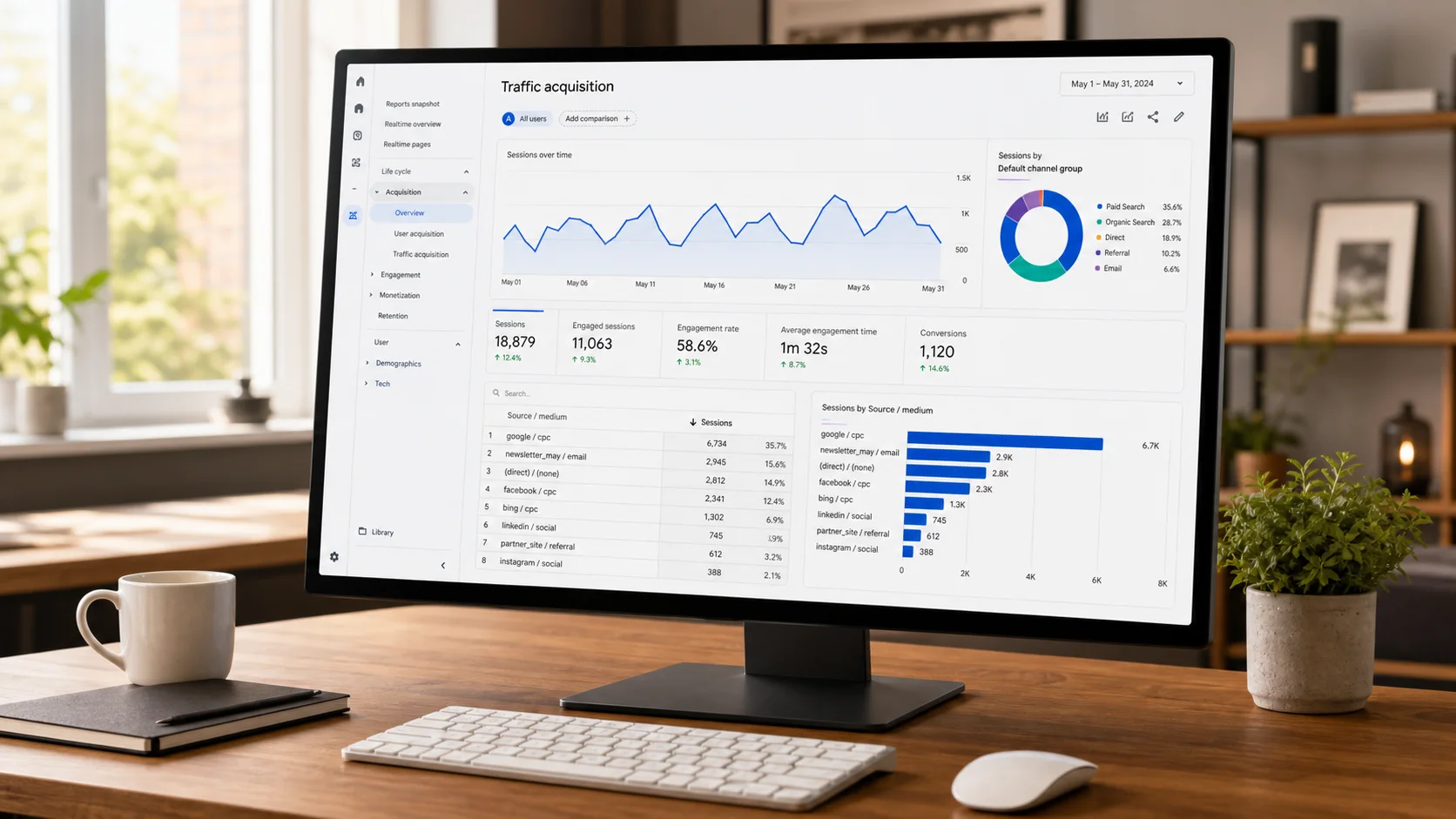
Open the traffic-acquisition or campaign report in the analytics system installed on your destination website. That is where you can review sessions, engagement, and conversions by source, medium, or campaign.
The cutdown.link dashboard answers a separate question: how many times did the managed link redirect? It provides aggregate click totals, not UTM campaign or conversion reports.
Frequently asked questions
- Do UTM parameters make my short link longer?
- No. Your public llk.ad link and QR code stay the same. cutdown.link adds the saved parameters when it redirects a visitor to the destination.
- Can UTM values contain spaces?
- No. Use short, consistent values such as summer_menu or paid-search. The editor and API reject values containing spaces.
- Does cutdown.link show UTM campaign reports?
- No. cutdown.link reports aggregate redirect clicks. Campaign sessions, behavior, and conversions appear in the analytics system installed on your destination website.

Experienced Marketer and Technologist