 AI-generated illustration by cutdown.link
The simple idea: publish one short address and keep control of what happens after someone opens it. A managed llk.ad link stays the same while its destination, campaign labels, schedule, and availability can change from your dashboard.
This is especially useful when a link or QR code has already been printed, emailed, bookmarked, or shared in places that are difficult to update.
1. Printed menus, signs, and leaflets
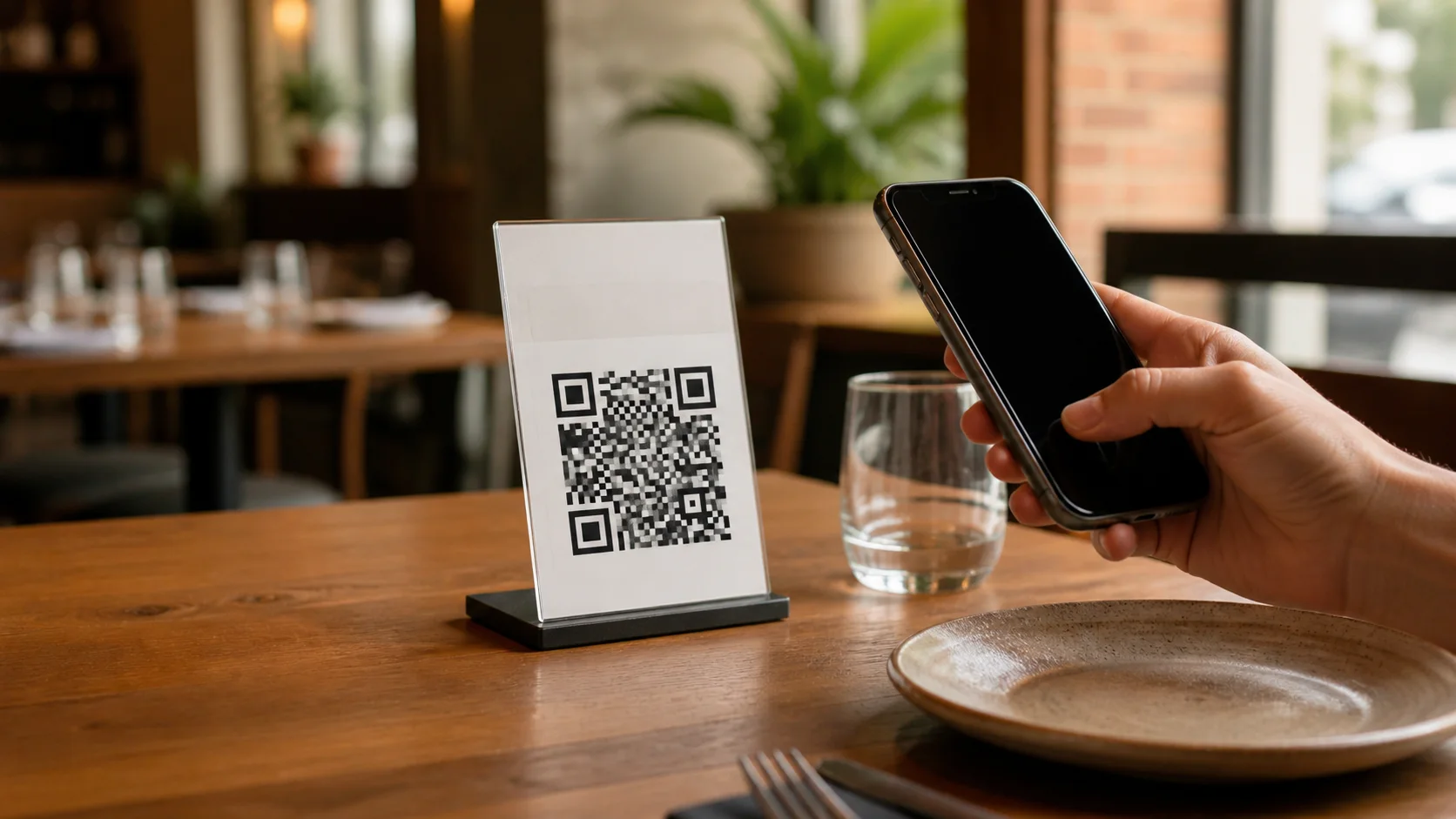
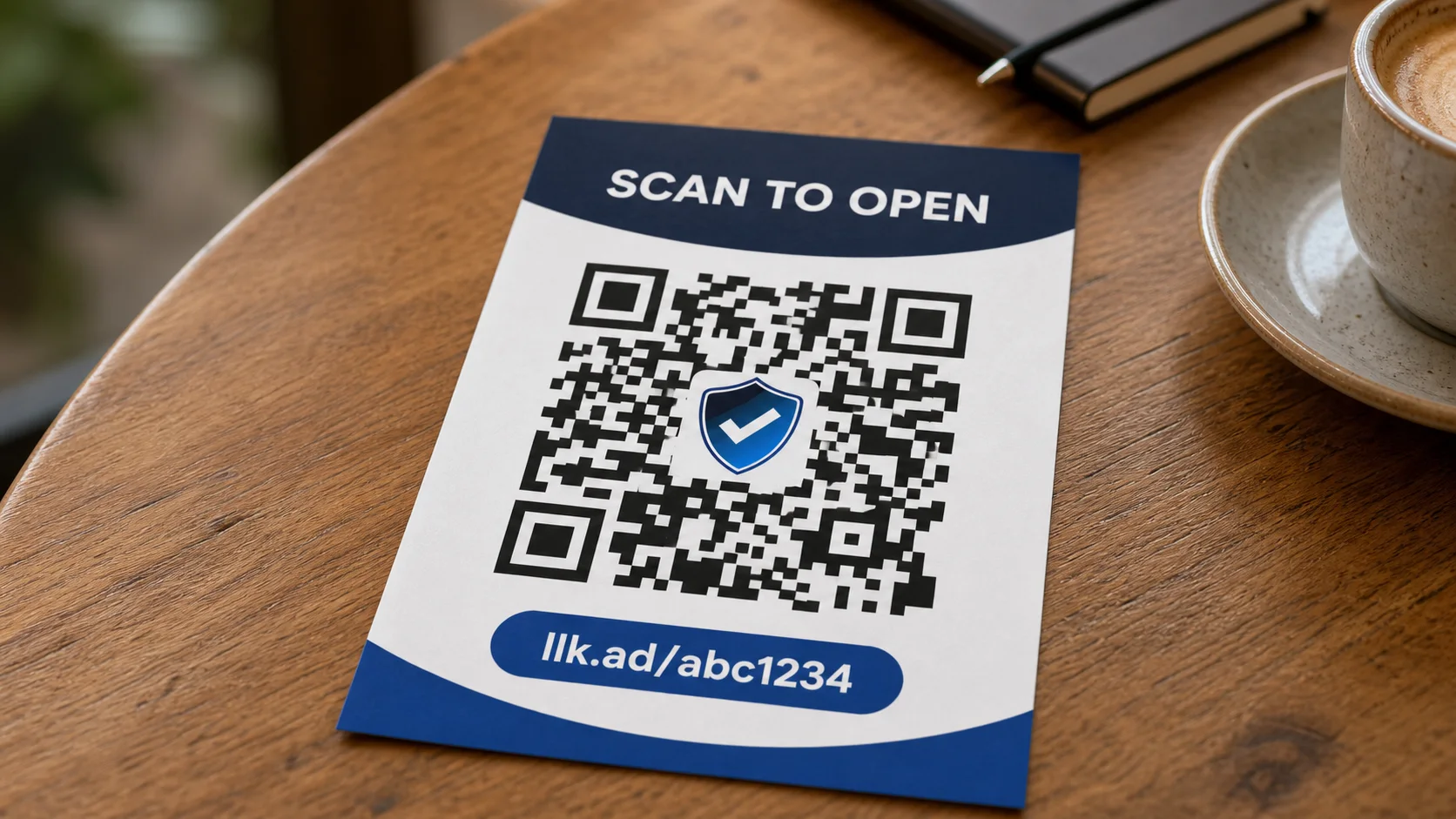
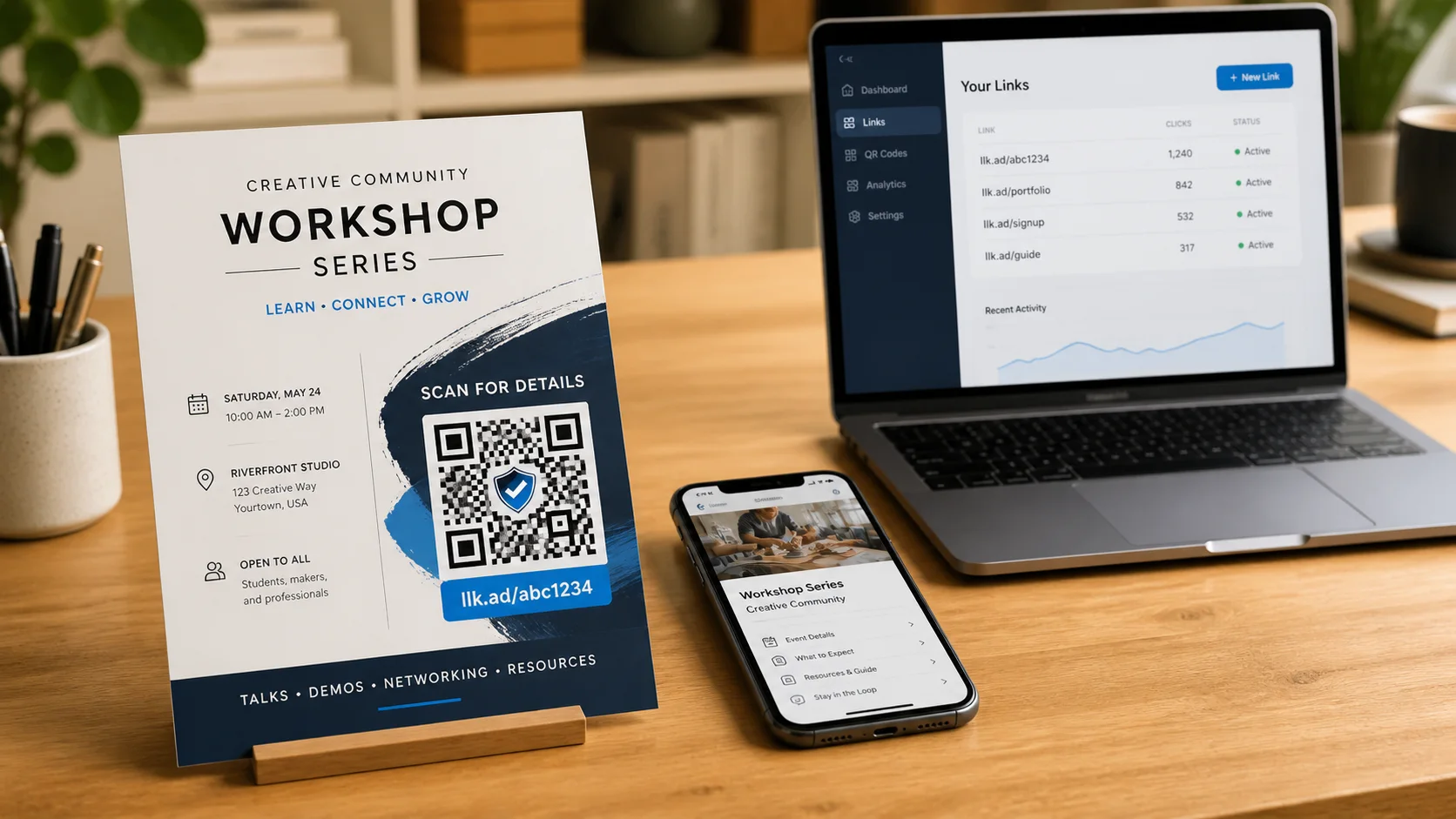
Create a managed link, download its branded QR code, and place it on the printed item. You can use the cutdown.link shield, upload your own logo, or remove the logo before downloading JPEG or SVG.
When a menu, PDF, offer, or landing page changes, edit the destination. The printed QR code does not need to change because it contains the stable llk.ad address rather than the final page.
2. Events with several stages
One link can lead to registration before an event, a livestream while it is running, and a recording afterward. Update the destination when each stage changes. You can also set a future start time to show a countdown or an expiry time to stop redirection at a fixed moment.
3. Documents that receive new versions
Share a managed link instead of a storage-provider URL. When a revised document is uploaded, point the existing link to the new file. People using an older email, bookmark, or QR code still reach the current version.
4. Time-limited campaigns
Set a future start time to show visitors a countdown before launch. Set an expiry to stop redirection after the campaign. You can also pause and resume an active link from the dashboard.
5. Profiles and recurring announcements
Keep one compact llk.ad URL in a profile or printed biography, then change the featured destination whenever you publish something new.
6. Reusable campaign tracking
Open Campaign parameters (UTM) in the link editor and save the source, medium, campaign, term, or content values you need. cutdown.link adds those values when it redirects a visitor, while the public llk.ad address and QR code remain clean.
This also lets one printed QR code move into a new campaign. For example, a table card can use summer_menu first and holiday_menu later. Change the managed campaign value in the dashboard; future scans carry the new UTM parameter without replacing the card.
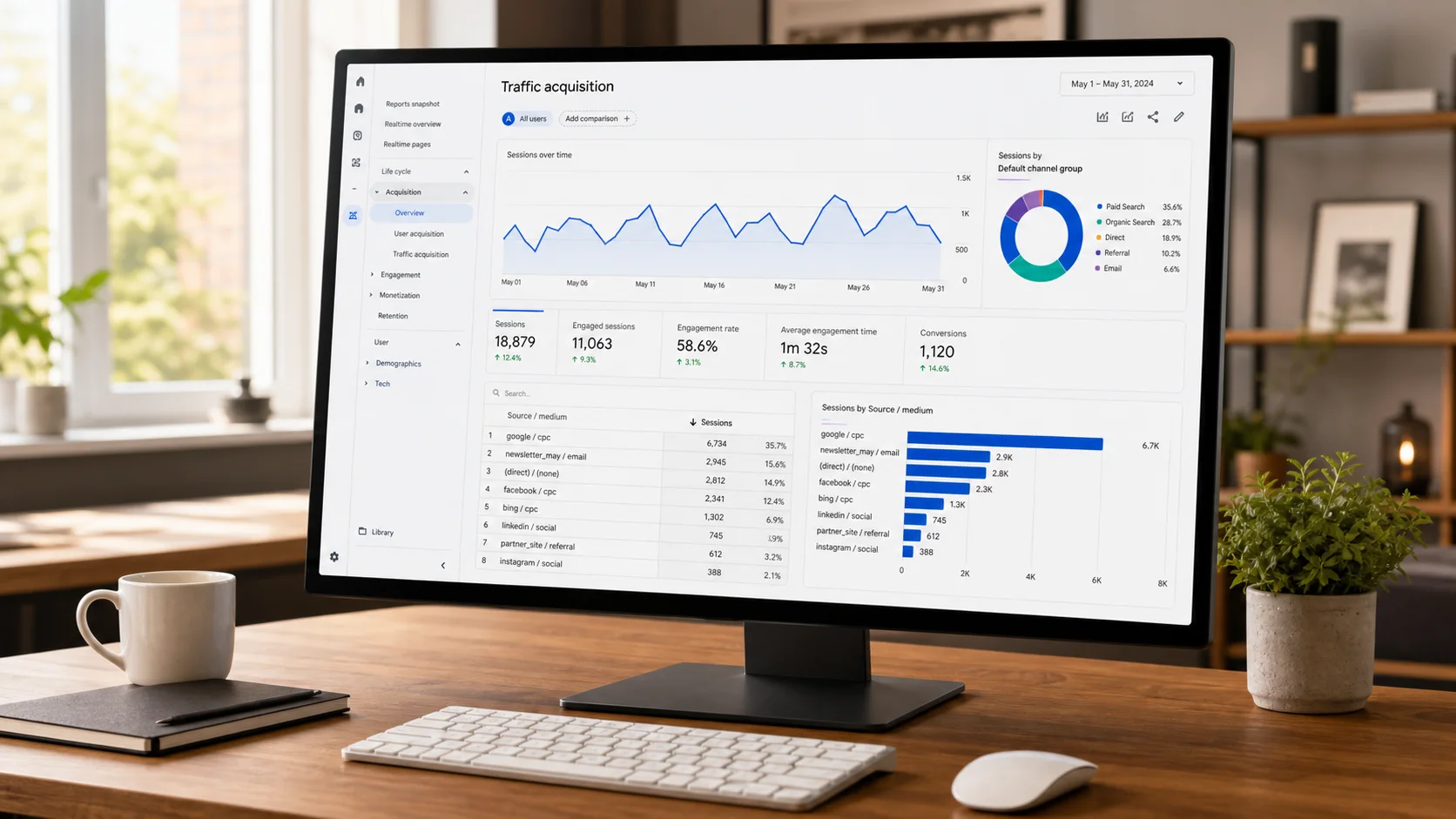
Use lowercase, space-free values and keep the naming consistent. Changing a value creates a new label in your analytics platform, so record when the change happened if you need to compare campaigns over time.
What cutdown.link reports
The dashboard shows aggregate click totals for today, seven days, thirty days, and all time. Campaign sessions and conversions belong in the analytics system installed on the destination website. cutdown.link does not currently provide geographic, device, conversion, or visitor-level reports.
For ongoing control, create the link while signed in. A no-account quick link cannot be edited later.
Frequently asked questions
- Can a short link destination be changed later?
- Yes. Links created in a free account can be updated from the dashboard while the short URL stays the same.
- Can a link be used on printed material?
- Yes. Download its branded QR code as JPEG or SVG and update the managed destination without reprinting the code.
- Can campaign parameters change without replacing a QR code?
- Yes. Update the managed link’s UTM values in the dashboard. Future scans use the new campaign parameters while the public llk.ad link and printed QR code remain unchanged.
Experienced Marketer and Technologist