Menus and signs
Update seasonal menus, opening information, or notices without replacing the printed QR code.

Create an editable short link and QR code for anything you share, publish, or print.
No account needed for a quick link. Pro adds editing, scheduling, and pausing - free for your first year.
Every link is automatically screened. If you ever land on a warning page instead of your destination, that's this protection working, not a broken link. Learn more .
/ HOW IT WORKS
Your short link stays the same while you decide where it leads and when it is available.
Add a destination and get a short link with a downloadable QR code.
Use it in messages, campaigns, signs, menus, or printed material.
Edit the destination, schedule availability, pause the link, or set an expiry.
Why editable matters
Print one QR code or publish one short link. When plans change, update its destination from your dashboard instead of replacing everything you already shared.
Same short link. Same QR code. New destination.
/ THE CUTDOWN
Set when a link starts and when it ends. Before launch, visitors see a live countdown. When the time comes, the link redirects automatically. After its cutdown date, it closes cleanly.
That full link lifecycle is why we are called cutdown.link.
BEFORE
A live start page keeps visitors informed.
LIVE
The link sends visitors to its destination.
AFTER
An expiry page replaces the redirect.
Included with Pro · free for your first year
Choose how you start
Create immediately without signing up, check stats with a free account, or get full control with Pro.
NO ACCOUNT
Best when you need a short link immediately.
FREE ACCOUNT
Best when you just want a place to see your links and click counts.
PRO · FREE FOR YOUR FIRST YEAR
Best for links and QR codes you want to manage over time.
$99/year after your first free year. See full pricing.
Made for real changes
Update seasonal menus, opening information, or notices without replacing the printed QR code.
Move one link from registration to the live event and later to the recording.
Schedule a campaign to start on time and stop the link when the offer finishes.
Keep printed material useful even when a page, product, or campaign destination changes.
Reuse a compact link across profiles while changing the page you want people to see.
Start with a free account, or unlock editing, scheduling, and tracking with Pro - free for your first year.
Questions
llk.ad is our new, shorter domain for every link you create now. It gives you cleaner URLs that are easier to share and type. Existing l.cutdown.link URLs continue to work exactly as before.
It is a short link whose destination can be changed from your dashboard. The short URL stays the same, so links you already shared continue to work.
No. The QR code contains your llk.ad short URL. When you change that link's destination, the existing QR code automatically leads to the new destination.
Yes. QR codes include the cutdown.link mark by default, or you can add your own PNG, JPEG, or WebP logo and download the result as JPEG or SVG. Your logo is processed entirely in your browser and is never uploaded to or stored on our server.
Quick links, QR codes, and a free account with a stats dashboard are free forever. Editing destinations, scheduling, pausing, downloadable QR codes, and UTM management are part of Pro ($99/year) - free for your first year. See the full breakdown on the pricing page.
Not for a quick link. A free account adds a dashboard with aggregate click counts. To change destinations later, schedule or pause links, or set expiry dates, you need Pro.
Visitors see a live countdown page. When the scheduled time arrives, the page automatically continues through the short link to its destination.
The link stops redirecting to its destination and visitors see a page explaining that the link has expired.
Latest articles and tips from our knowledge base.
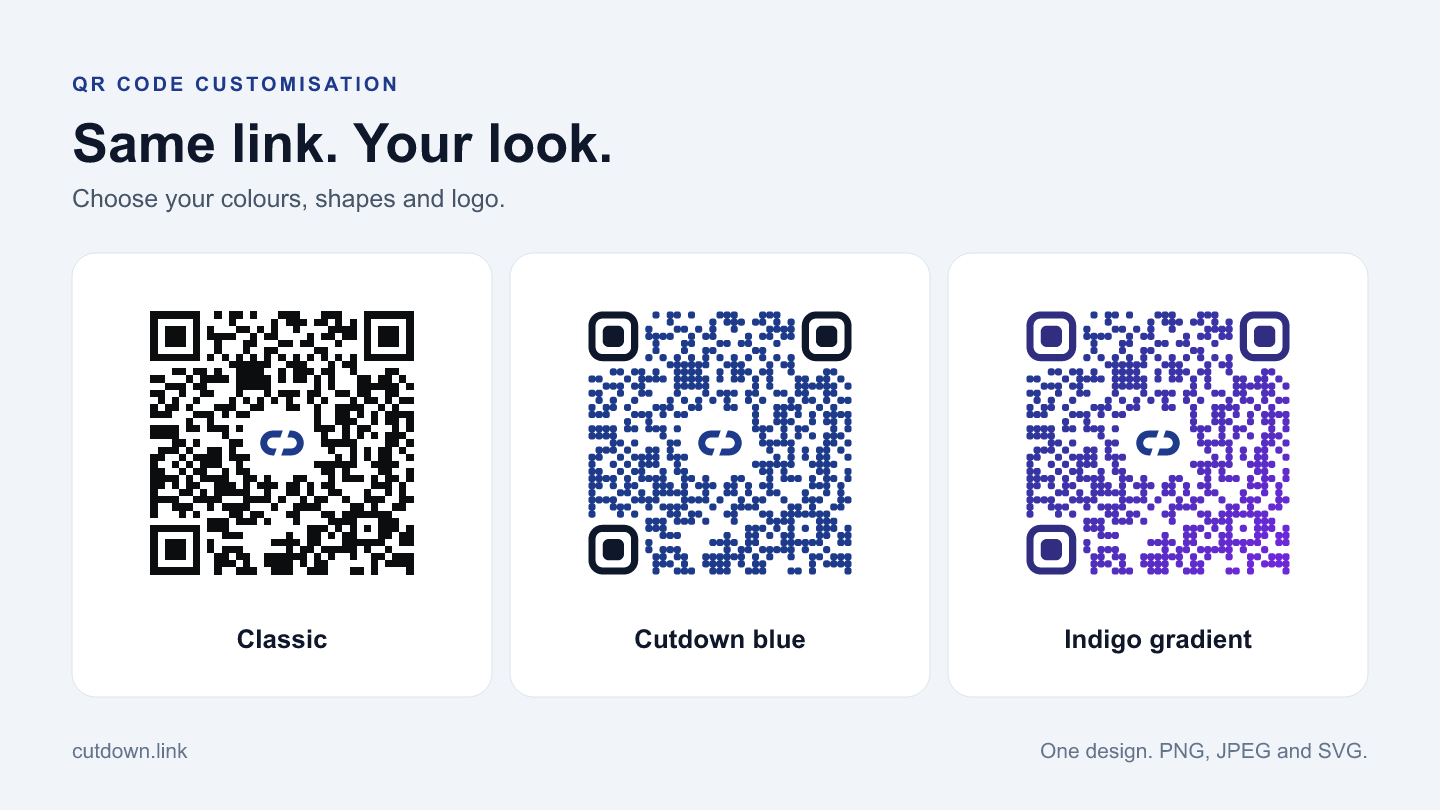
A practical guide to QR design presets, colours, rounded modules, custom logos, and choosing PNG, JPEG or SVG for your downloads.
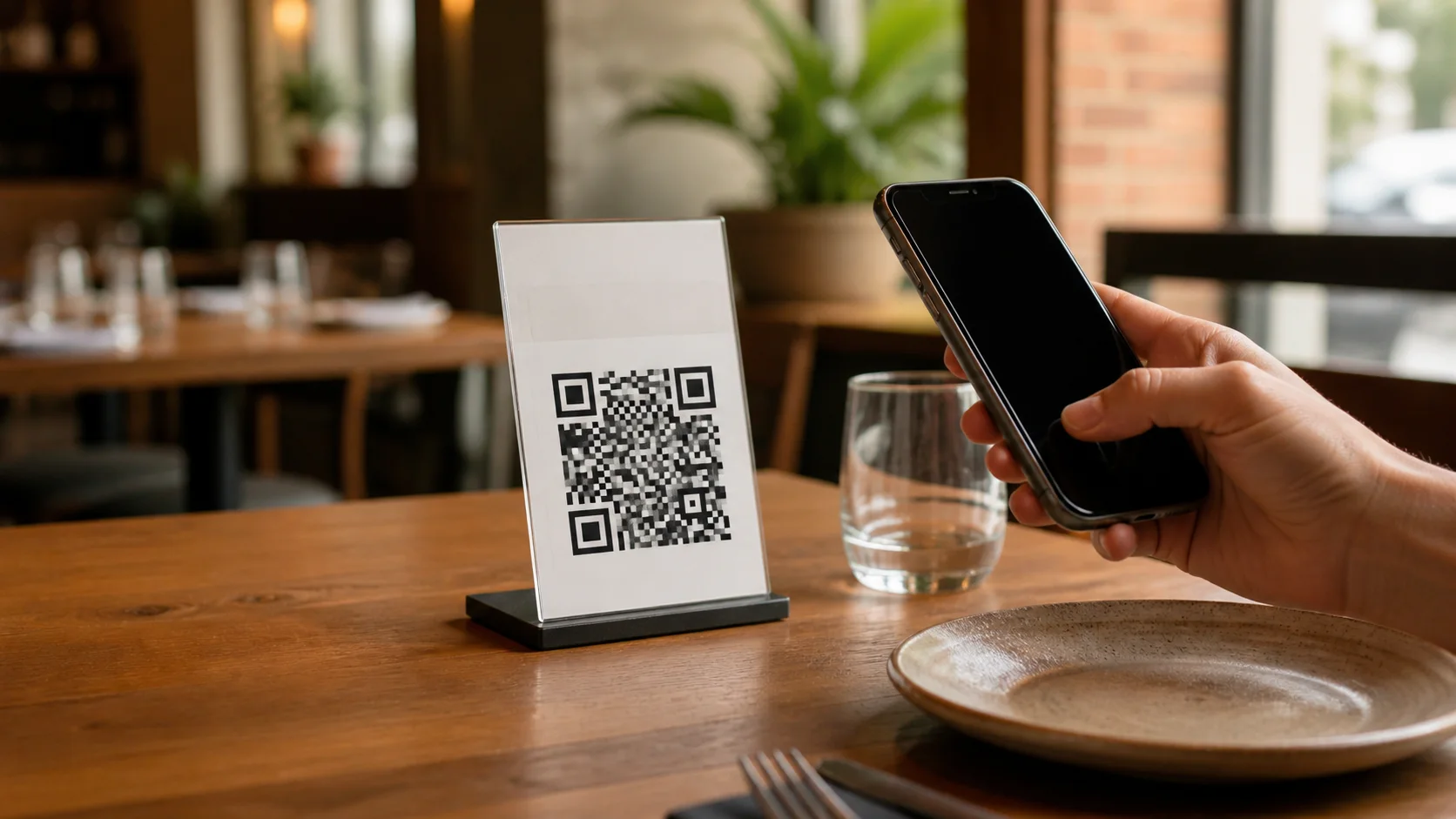
Create one QR code for your restaurant tables and update where it leads without printing it again.
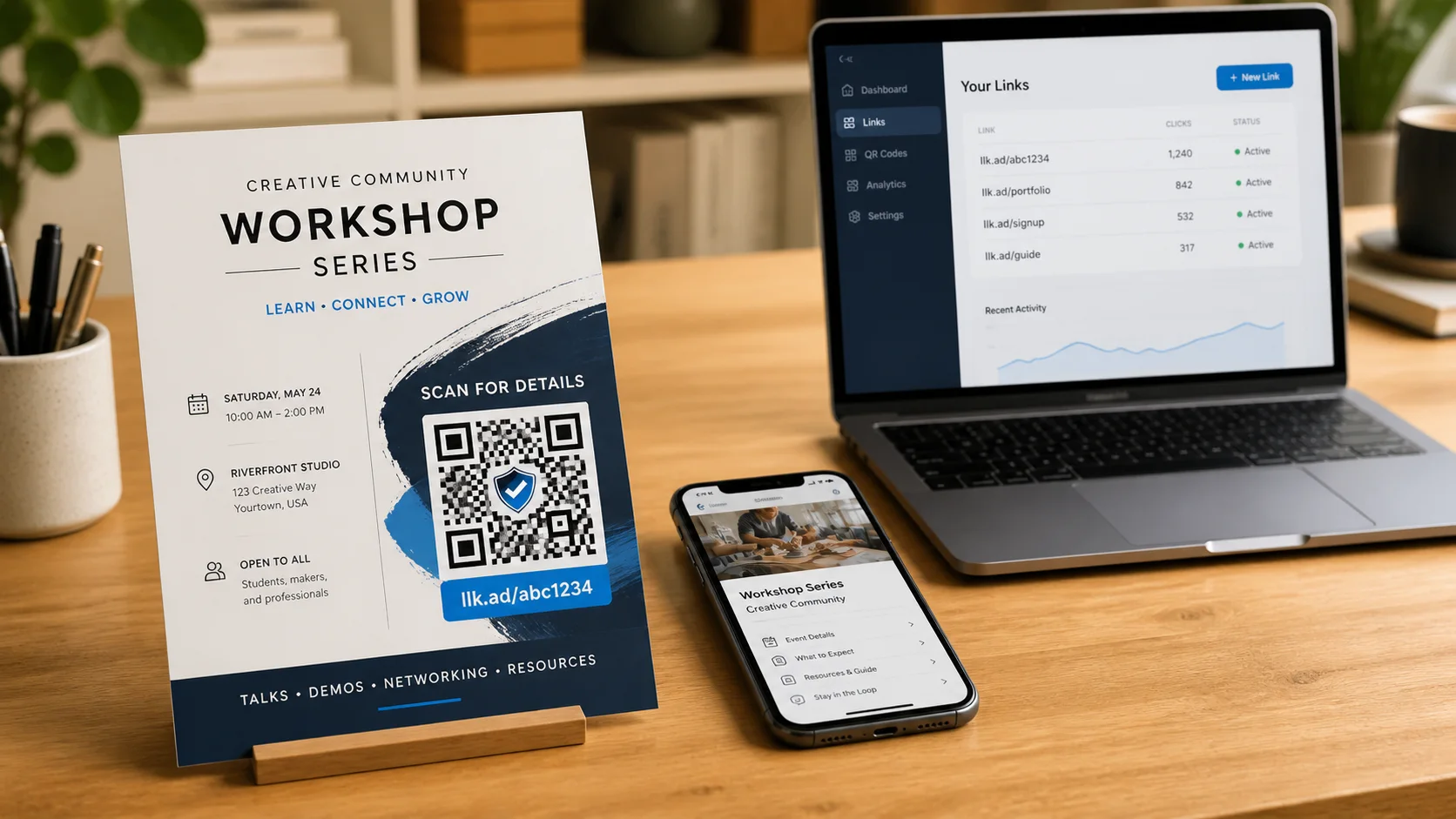
Use one editable llk.ad link for printed material, events, documents, campaigns, profiles, and time-limited information.