 AI-generated illustration by cutdown.link
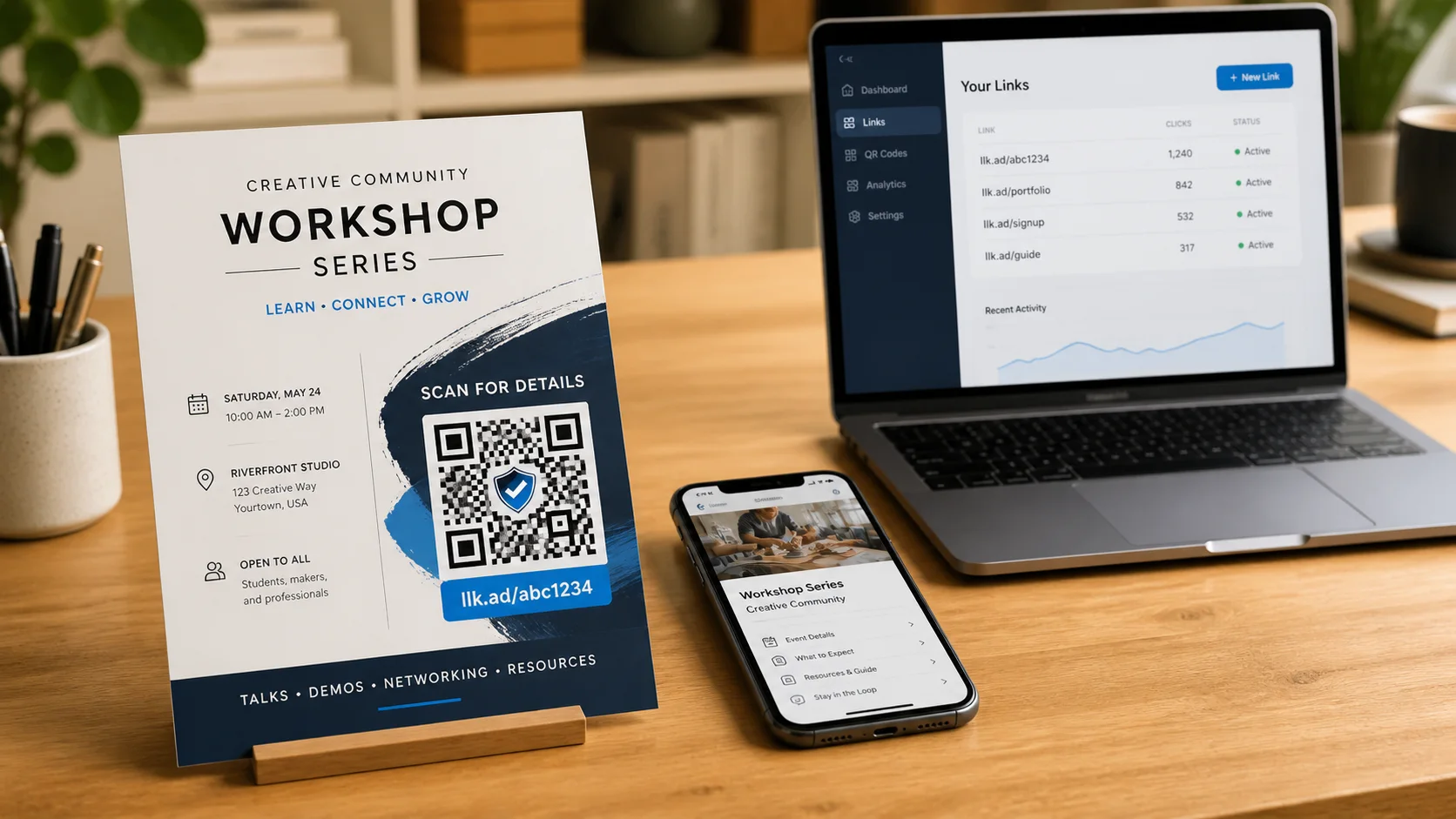
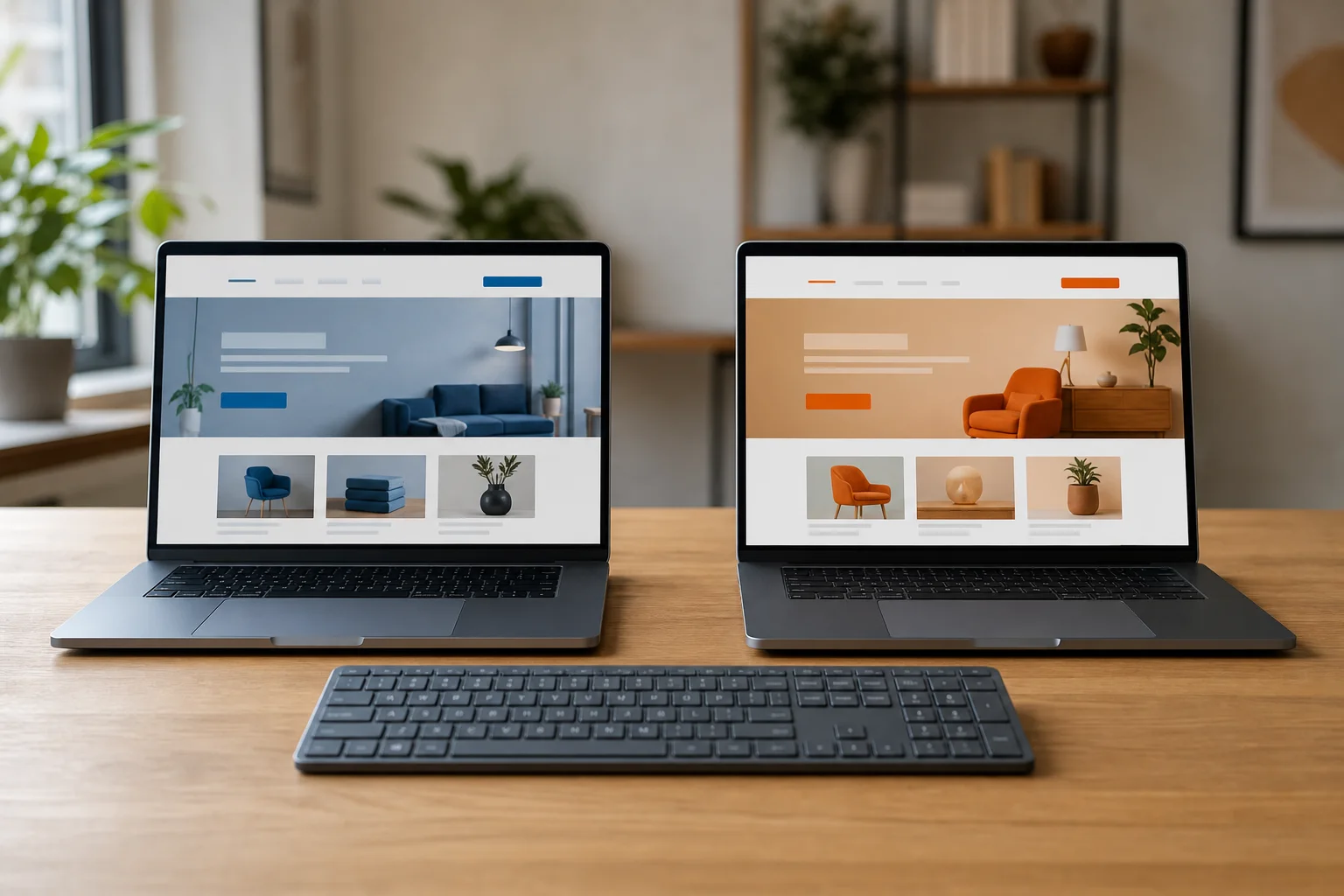
The simple idea: use one managed short link for two destination pages. Choose what percentage of visits should go to destination B, and cutdown.link sends each new visit to A or B at random. The public llk.ad address and its QR code stay the same.
This is useful when a link has already been printed or widely shared. You can compare a new landing page, offer, menu, or sign-up flow without replacing the link people already have.
Set up the traffic split
- Sign in and open an existing managed link from your dashboard.
- Expand A/B traffic split in the link editor.
- Turn on Send some visits to a second destination.
- Add the full URL for destination B.
- Choose the whole-number percentage of visits that B should receive, from 1% to 99%.
- Review the displayed split and save the routing change.
If destination B receives 30%, destination A receives the remaining 70%. The two addresses must be different. Both destinations receive the same blacklist and safety checks before the setup can be saved, and both remain included in recurring scans.
What happens after you save
Every visit to the llk.ad link is assigned independently according to the saved percentage. This is a traffic split across visits, not a promise that one person will always see the same version on repeated visits.
Managed UTM parameters are added to both destinations. If the two variants need separate labels in your analytics system, include a different identifying parameter in each destination URL before saving, such as variant=a and variant=b.
Decide what success means first
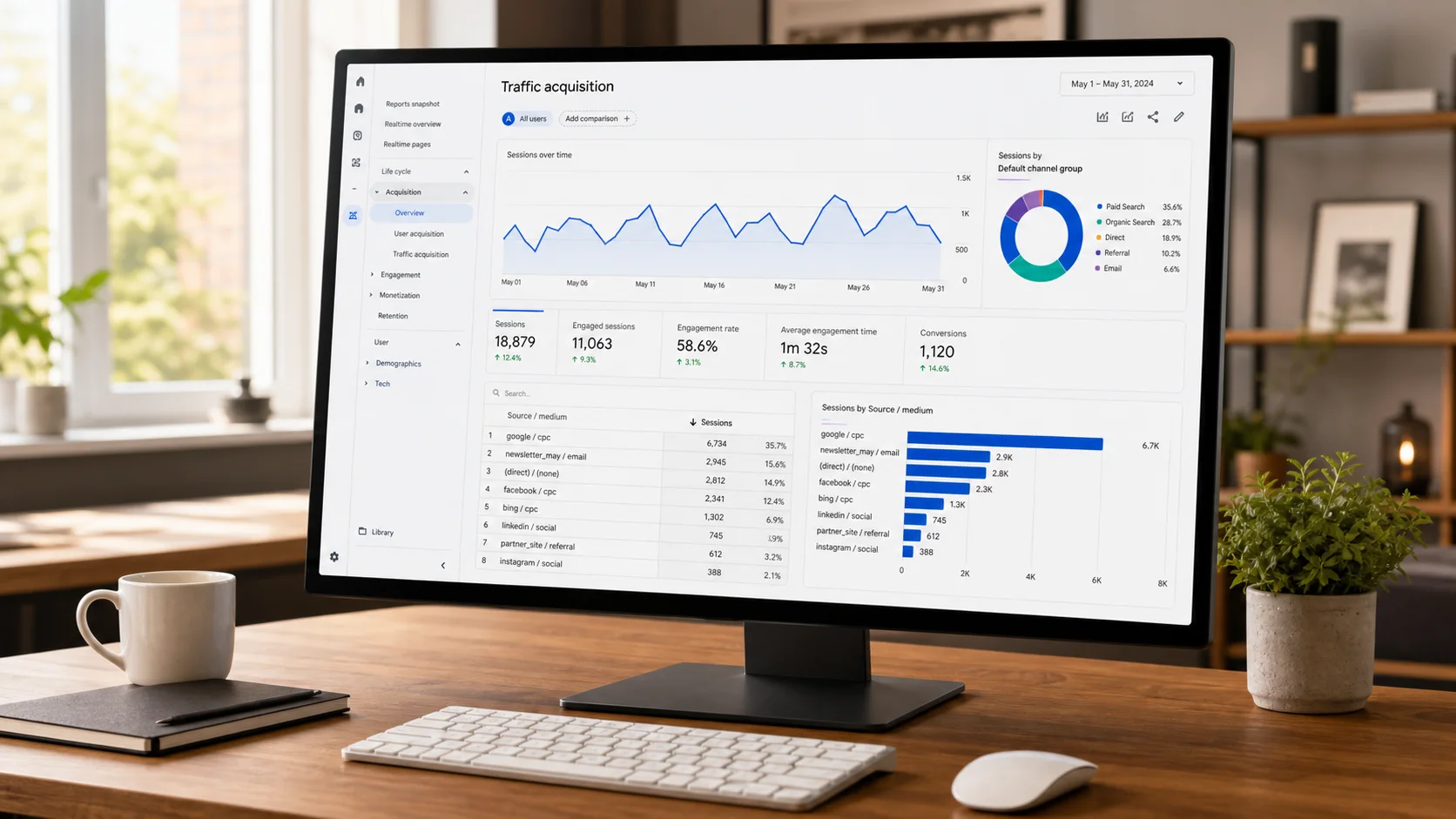
Choose one outcome before starting: a purchase, registration, order, completed form, or another meaningful action. Make sure the same analytics and consent setup works correctly on both pages.
The cutdown.link dashboard shows aggregate redirect totals for the managed link. It does not currently separate clicks by variant or report conversions, revenue, statistical significance, or a winning page. Use the analytics or experimentation system on the destination website for those results.
Do not judge a test after only a handful of visits. Run both variants at the same time, avoid changing their content during the test, and account for weekday, campaign, or audience differences before drawing a conclusion.
Finish or adjust the test
When you have enough evidence, return to A/B traffic split. You can change the percentage, replace destination B, or turn the split off. Disabling it sends all future visits to destination A again.
The public short link and every QR code containing it remain unchanged throughout. That is the practical advantage: you can start, adjust, and finish the experiment from the dashboard without replacing the address already in circulation.
Frequently asked questions
- Can cutdown.link split traffic between two destinations?
- Yes. Enable A/B traffic split for an existing managed link, add destination B, and choose the whole-number percentage of visits it should receive.
- Does the short link or QR code change when I start a test?
- No. The same llk.ad address remains public, so existing QR codes, printed material, and shared links continue to work.
- Does cutdown.link decide which variant wins?
- No. The dashboard reports aggregate redirects for the link. Measure conversions and compare variants in the analytics or experimentation system installed on the destination websites.

Experienced Marketer and Technologist