 AI-generated illustration by cutdown.link
The simple idea: a short-link service should do more than make addresses smaller. Because a short link hides its final destination, cutdown.link treats destination screening and clear visitor warnings as core parts of the product.
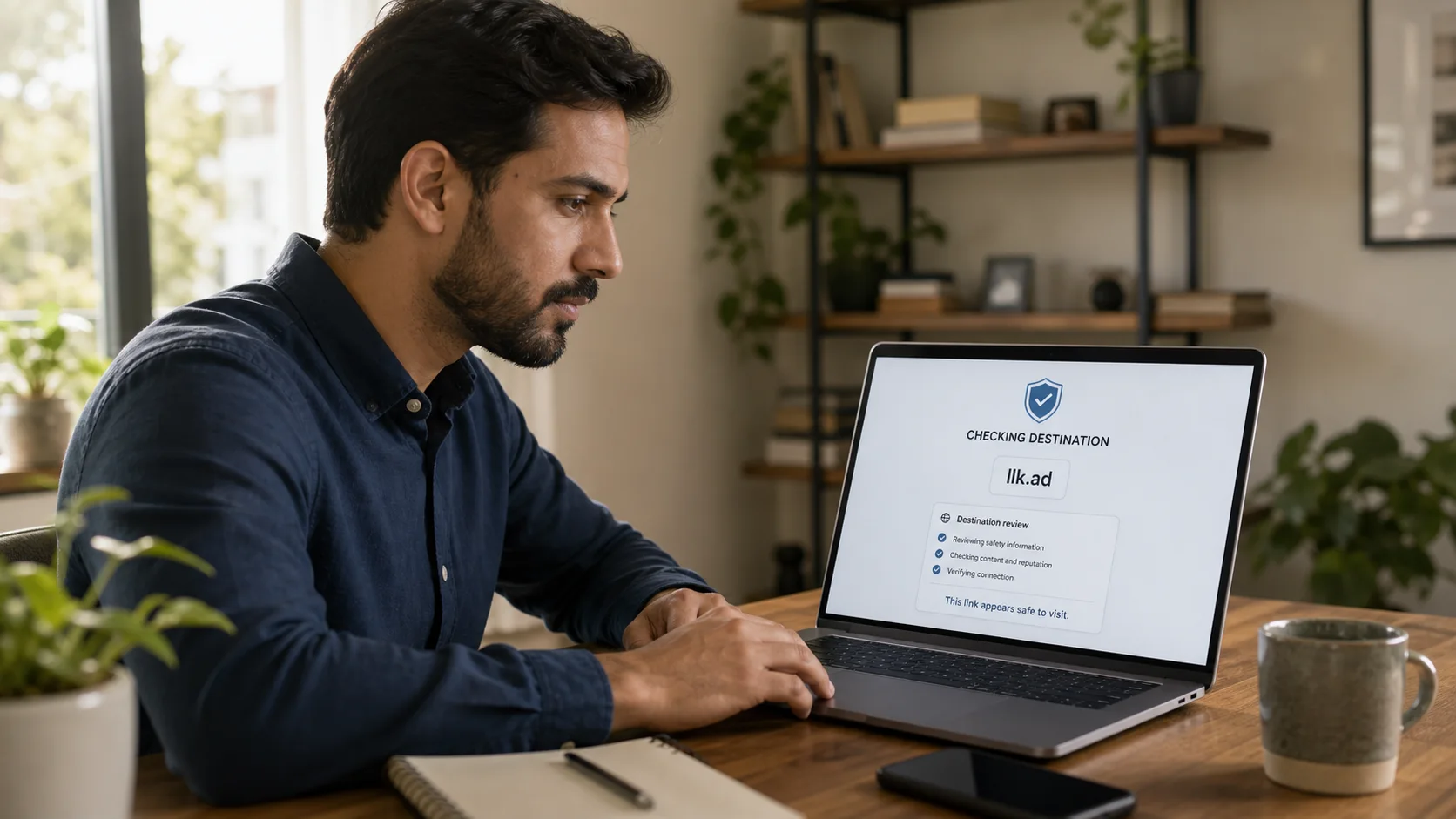
Security is a priority for cutdown.link and an important difference in how the service is designed. New destinations are checked, edited destinations are checked again, and active links are periodically rescanned instead of being trusted forever.
Why short links need extra care
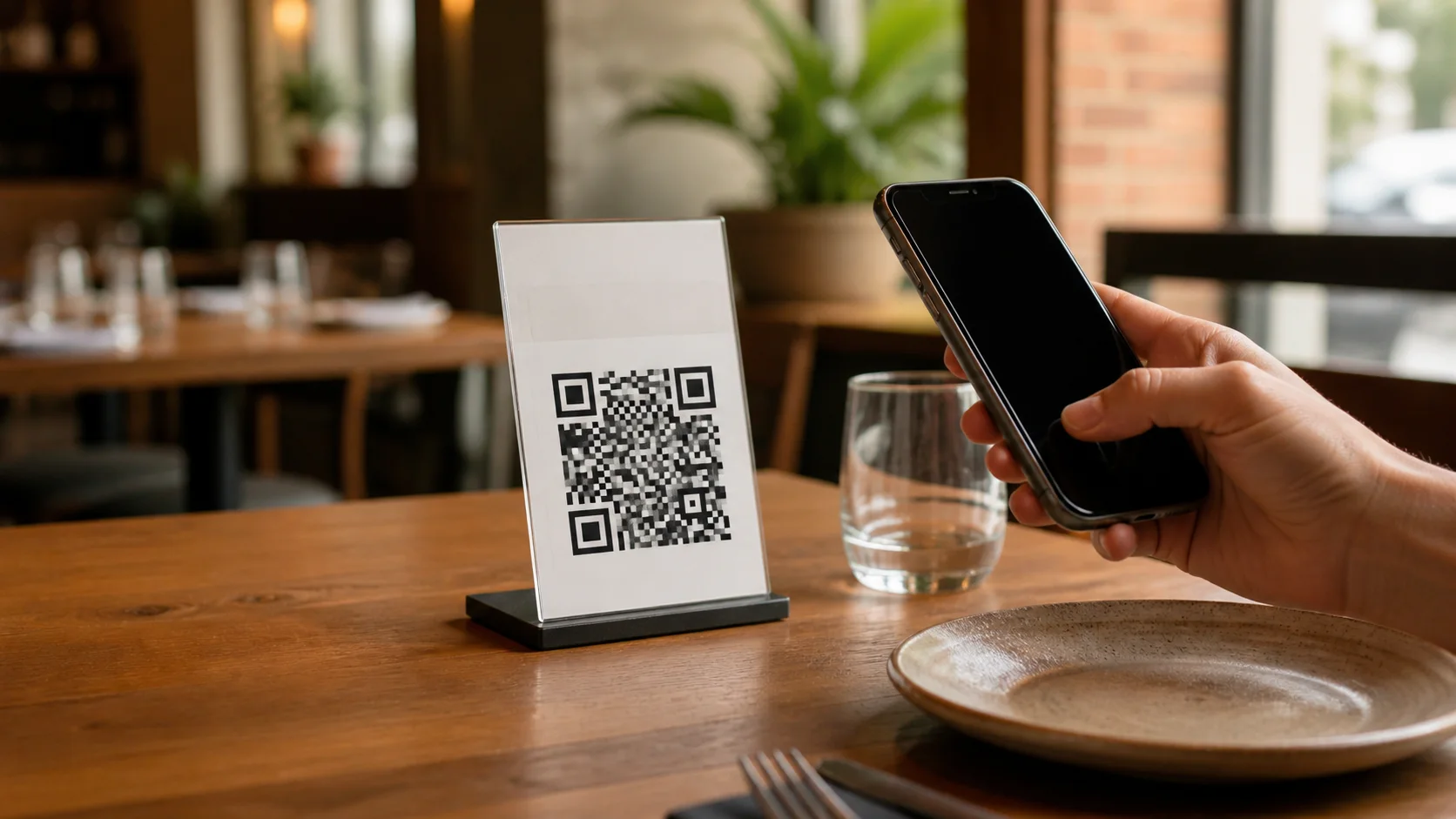
A normal web address shows its domain before you open it. A short address such as llk.ad does not reveal the final site, which makes sharing easier but removes an important clue for the visitor.
Attackers can exploit that uncertainty to disguise phishing, malware, scams, unwanted software, or chains of redirects. A legitimate managed link can also become dangerous later if its account is compromised or its destination changes.
Checks performed by cutdown.link
When a link is created or its destination is edited, cutdown.link:
- Checks the destination against a service blocklist, including redirect services commonly used to hide another redirect.
- Checks the address with Google Safe Browsing for known phishing, malware, and unwanted-software threats when that service is configured and available.
- Rejects the destination if either check identifies a problem.
- Records security events when automated or manual blocking occurs.
Active links are periodically checked again. If a previously accepted destination is flagged during a later scan, the link is blocked and stops redirecting visitors to that page.
What visitors see
A blocked link sends the visitor to a cutdown.link warning page rather than the unsafe destination. Paused, expired, not-yet-active, and missing links have their own clear states, so a stopped redirect does not silently fail.
Do not bypass a warning page. If an unexpected link reaches a sign-in or payment screen, check the final domain in the browser before entering any information. You can report a suspicious cutdown.link URL to info@cutdown.link.
What link owners should do
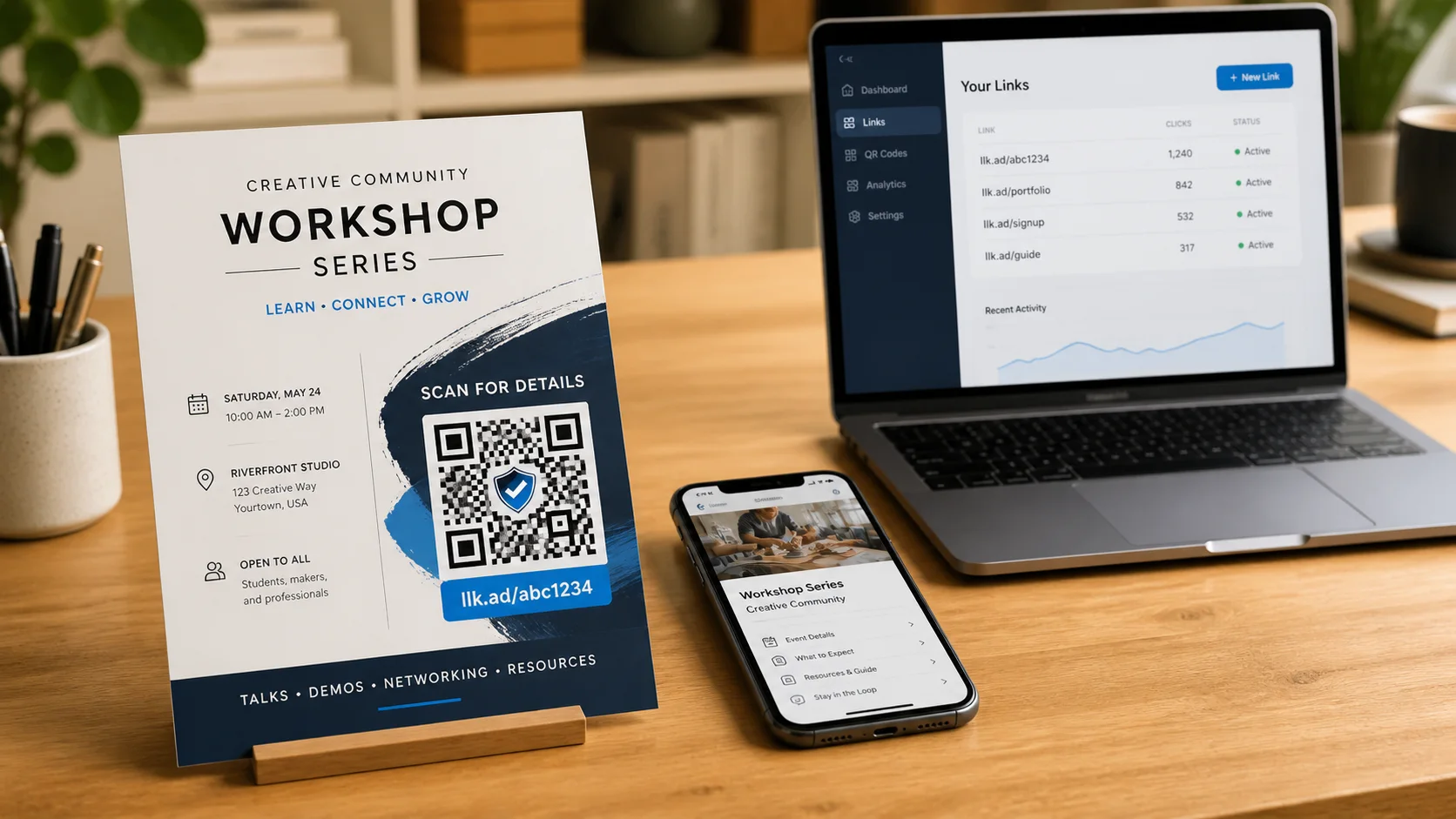
Create managed links from an email account you protect carefully. Use destinations you control or trust, and review a link before distributing it widely. Pause or archive links that are no longer needed, and respond quickly if a destination or account may have been compromised.
Do not place one shortener behind another. Redirect chains make the real destination harder for people and automated checks to evaluate, so known redirect services may be rejected by the blocklist.
The honest limit of automated screening
No security check can guarantee that a website is safe. Threat databases change, newly created attacks may not yet be listed, and external screening services can be unavailable. A successful check means no known problem was identified by the available safeguards at that moment.
That limitation is why cutdown.link combines checks at creation and editing with recurring scans, manual blocking, warning pages, and abuse reporting. Security is an ongoing process, not a one-time badge.
Frequently asked questions
- Does cutdown.link check every destination?
- Destinations are checked against the service blocklist and Google Safe Browsing when links are created or edited. Active links are also periodically rescanned.
- What happens when a destination is flagged?
- A flagged destination cannot be used for a new or edited link. An active link flagged during a later rescan is blocked and visitors see a warning page instead of being redirected.
- Does screening guarantee that every destination is safe?
- No. Automated screening reduces risk but cannot guarantee safety. A clean result only means the available checks did not identify a known threat at that time.

Experienced Marketer and Technologist